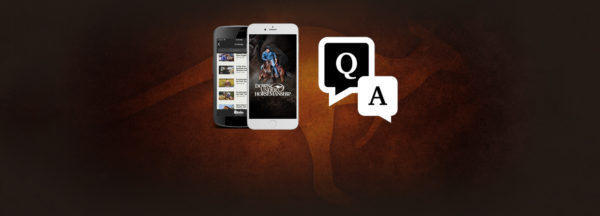
What if I don’t have a mobile device? How do I view a digital kit?
DUHapp_QA

A: All of the digital content you purchase can be viewed through the Downunder Horsemanship website using a computer.

To access your purchased digital content on the Downunder Horsemanship website:

  1. Go to downunderhorsemanship.com.
  2. Click on the “Digital Content” tab at the top of the screen.
  3. Scroll down the page to the login section and enter your credentials.
  4. When you’re logged in to your account, click on the content you’ve purchased. You’ll be able to view the videos and any Arena Mates or books that are included with the series.

Have more questions about our digital content and the Downunder Horsemanship app? Check out our full list of FAQs on our website.

More News

Back to all news

See All
0916_02

3 months ago

Gordon and April Schultz Honored With Lifetime Achievement Award

At the Waterloo, Iowa Walkabout Tour, Clinton honored event managers and longtime team members Gordon and April Schultz with a…

Read More
0516_02

9 years ago

Do You Have the Right Horse?

The May NWC DVD is all about selecting the right horse and evaluating the partnership you have with your current…

Read More
0411_06

9 years ago

Before You Hit the Trail

Are you ready to dust your boots off, get in the saddle and head down the trail? If your horse…

Read More
FILES2f20152f072f0721_03.jpg.jpg

10 years ago

Minnesota Fundamentals Clinic Location Change

The location of Clinton’s Minnesota three-day Fundamentals Clinic has moved to Arrowhead Arena in Maple Lake, Minnesota, located at 9859…

Read More